 Docsie
Turn your guides into a knowledge base people can search
Drop your PDFs or Word files. You'll see the first articles in a few minutes.
You get days to share it and connect your AI to it. After that you pick a plan or keep what you built.
Just written
While you wait
See what else Docsie can do
Real examples made with Docsie. They open in a new tab, and this page keeps updating.
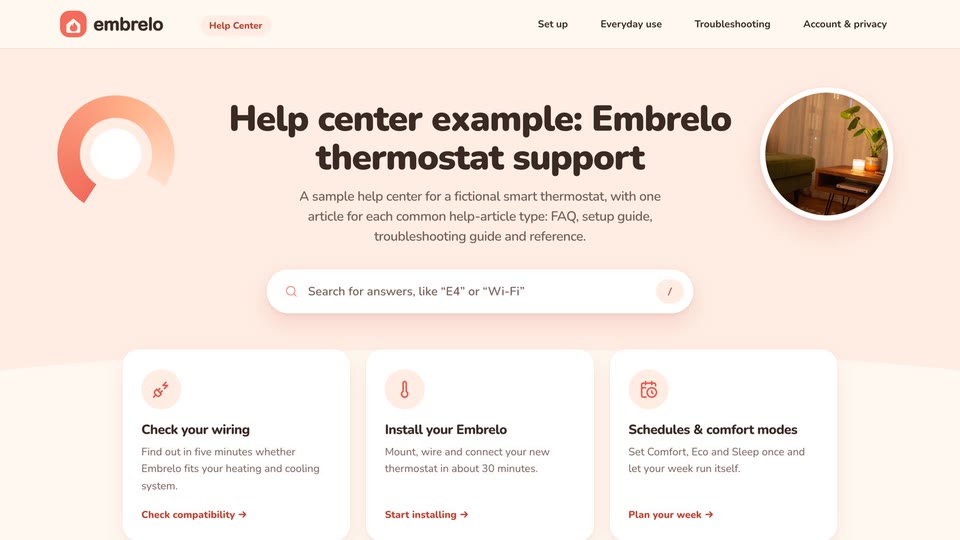 Help center example: Embrelo thermostat support
Publish your guides as a help center, manual or handbook that people can search.
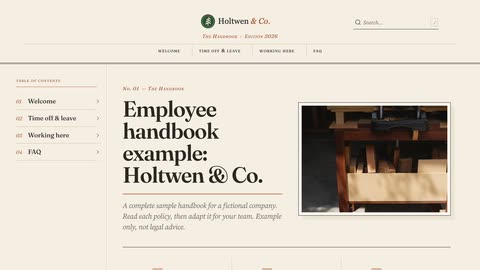
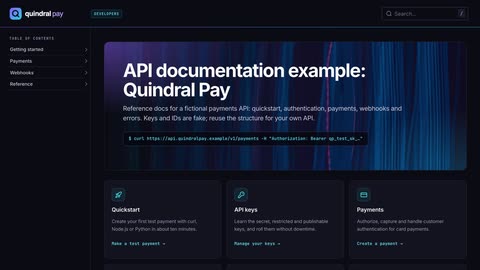
Build a knowledge base 22 live knowledge bases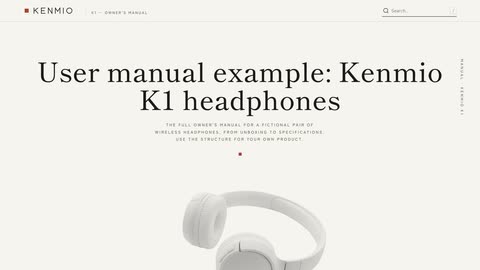
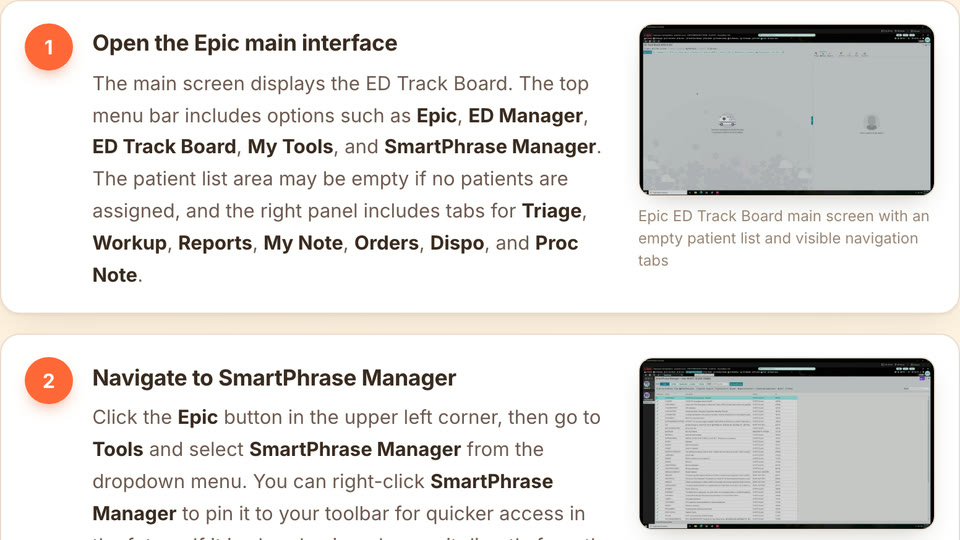 How to Create a Note Template in Epic
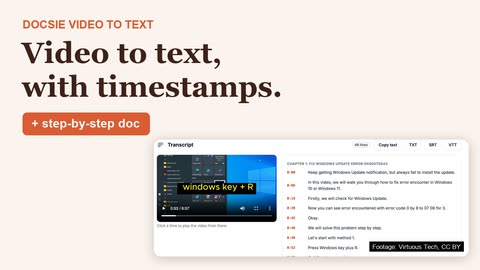
Turn a screen recording into a step-by-step guide, with a screenshot for every step.
Make a guide from a video More guides made from videos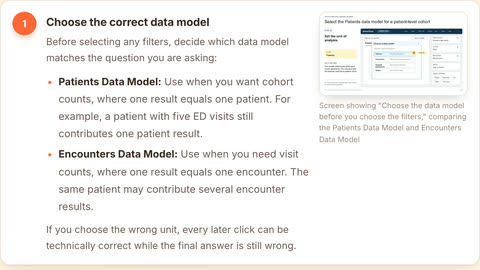
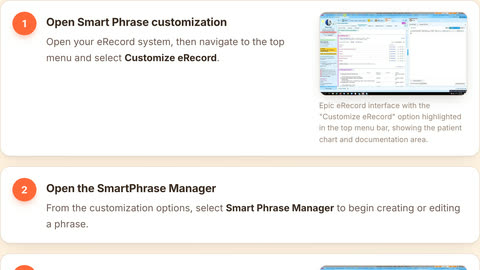
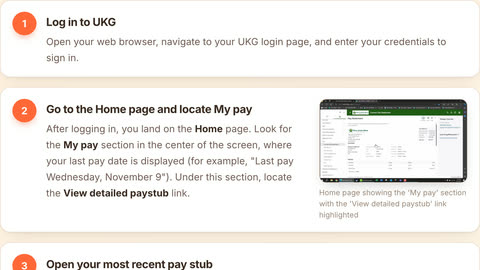
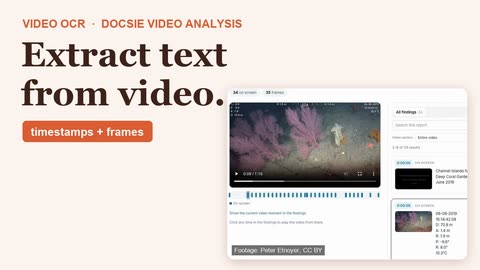
Ask a video a question. Get every matching moment with its time, its frame and what was said.
Analyze a video How video analysis works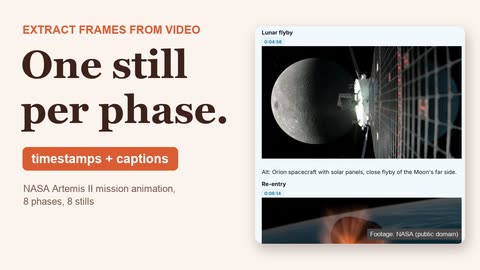
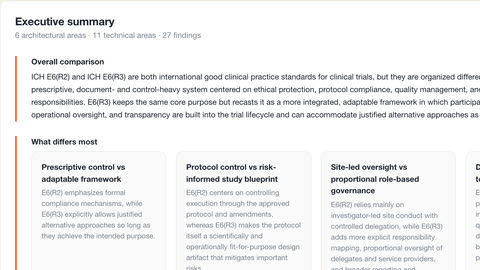
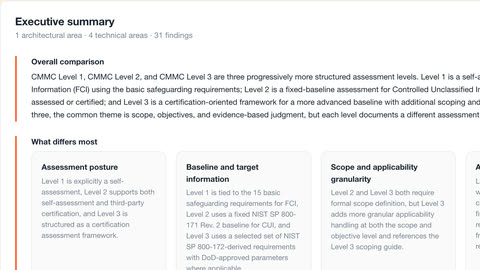
Compare versions of a standard, contract or manual. See every change, with evidence from each.
Compare your documents More comparisons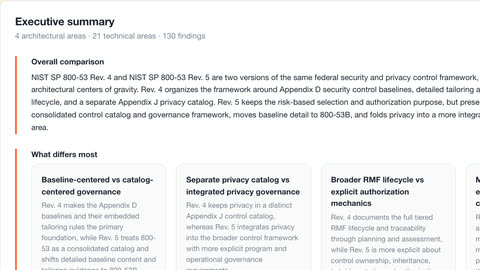
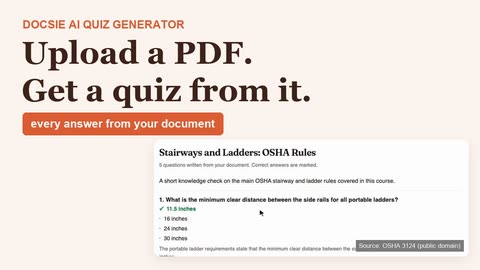
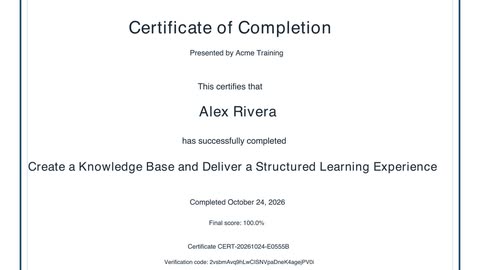
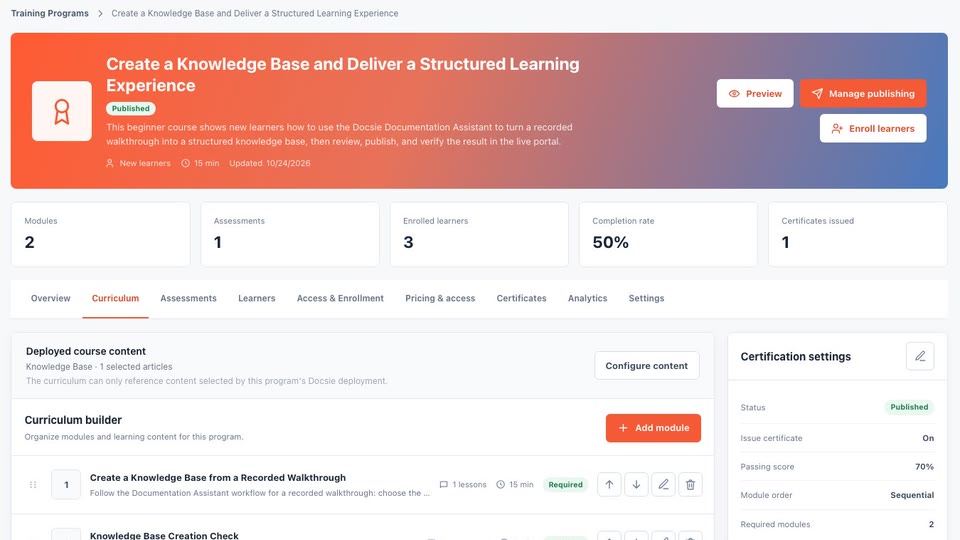 Docsie Learn: courses, quizzes and certificates
Turn videos and documents into courses and quizzes, assign them to learners and issue certificates.
Make a course from a video Explore the learning hub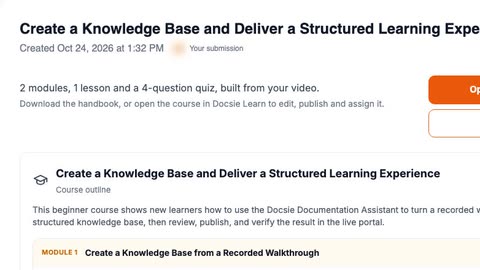
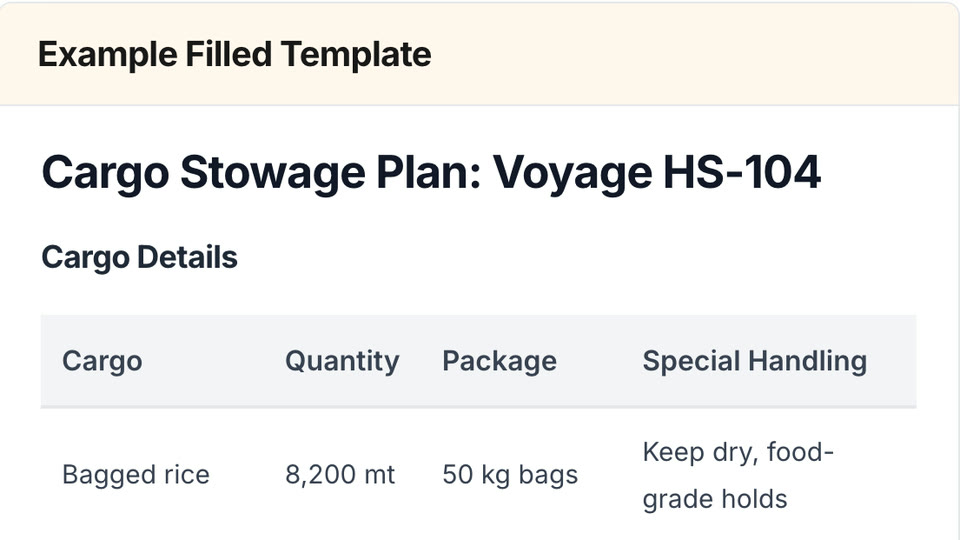 Cargo Stowage Plan
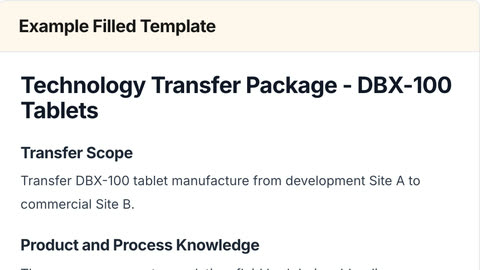
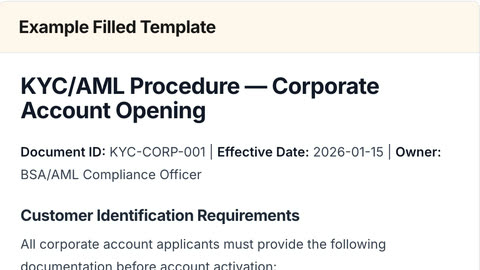
Start from a free template, or let Docsie fill one in from your recording or notes.
Browse free templates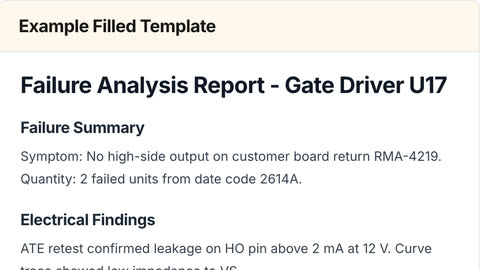
Pick a look
Changing the look…Putting your knowledge base on a private page
It takes a few seconds. Only you can see it.
The same articles, inside your own app
Your users search and ask questions without leaving your product. Docsie's AI sets it up with you: which pages show which articles, and the snippet for your app.
Add more to
That's about articles in one knowledge base, searchable, with an AI that answers from your files.
Who reads it
No files? or use videos. Have files instead? .
could not be built.
Step 2 of 5
Share your knowledge base
Add content in step 1 first.
They sign in with a code sent to that address. Nobody else can open it.
Who can read it now
Step 3 of 5
Connect your AI
Let the assistant you already use read and edit this knowledge base. You sign in with Docsie and choose what it may do. Big jobs it starts, like importing a manual, count against your trial or plan.
1. In your terminal, run
2. In Claude Code, type /mcp, choose docsie, then Authenticate.
In Claude: Settings → Connectors → Add custom connector. Paste this address, then connect and sign in.
In ChatGPT: Settings → Apps & Connectors → Create (developer mode). Paste this address and sign in.
Codex, Cursor or any MCP client: add an HTTP MCP server with this address. It asks you to sign in with Docsie.
When you sign in, also tick Publishing and access if you want your AI to change how your portal looks.
Then try it: paste one of these into your assistant
Step 4 of 5
Help inside your product
Your users get search, answers and guided tours from this knowledge base without leaving your app. Docsie's AI agent sets it up with you: which pages, which articles, and the snippet for your app.
Step 5 of 5
Make it yours
Your terms, your house style, your review rules. Docsie builds a glossary and a style guide from what you already wrote, and every new article follows them, whether Docsie or your own assistant writes it.

Pick your Google account in the window that opened. This page carries on by itself when you're signed in.